

|
| Search | Car Forums | Gallery | Articles | Helper | Air Dried Fresh Beef Dog Food | IgorSushko.com | Corporate |
|
|||||||
 |
 Show Printable Version | Show Printable Version |  Subscribe to this Thread
|
|
|
Thread Tools |
|
#1
 12-24-2007, 10:09 AM
|
||||
|
||||
|
Installing Overhead Monitor on 06 Silverado Crew Cab
Hi, I recently bought an Insignia NS-M10OHD 10" Monitor from ebay. I was wondering how do you take out the roof lights.. Do you just pull them down hard? Also, is there any way to install the monitor withouth having to drill holes into the roof? How can I know that the screw wont go all the way out the roof?
 Thank you very much for your help on this Thank you very much for your help on this
__________________
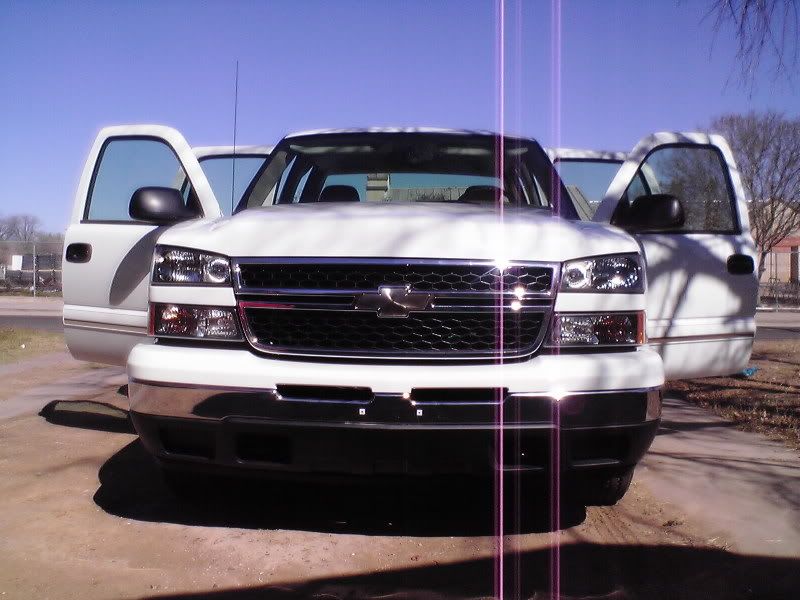 Trying to catch me ridin' dirty...  

|
|
#3
12-25-2007, 11:33 PM
|
||||
|
||||
|
Re: Installing Overhead Monitor on 06 Silverado Crew Cab
Thanks a lot for your reply. I did not find a screw on the back, but I took out the lens and then it came off.
__________________
Trying to catch me ridin' dirty...
|
|
|
POST REPLY TO THIS THREAD |
 |
|
|





