

|
| Search | Car Forums | Gallery | Articles | Helper | Air Dried Fresh Beef Dog Food | IgorSushko.com | Corporate |
|
|||||||
| How-to | Technical Info A wealth of information at your disposal. |
 |
 Show Printable Version | Show Printable Version |  Subscribe to this Thread
|
|
|
Thread Tools |
|
#46
 02-20-2006, 09:32 PM
|
||||
|
||||
|
Re: Convert Your Cluster & Control lights to LED's How-to!
Quote:
If you want to post the pics on your post instead of doing a link heres what to do. Go to photobucket.com and make a free account(I found this to be the easiest way), then add your images and it will resize them and give them a url. Heres what you will do with that url: add [img] to the front of the url and [/img] to the end of it. Example: [img] www.photpbucket.com/images/mypics/blahblahblah [/img] Just dont put spaces between the [img] and the url and [/img] and the url. P.S. What did you do to get your shifter cover off? I saw that you had a red one, I want to put a black one on mine and did you just buy a new one or paint it?
__________________
1997 Blazer LS 4dr 180,000 miles 

|
|
#47
02-20-2006, 10:02 PM
|
||||
|
||||
|
Re: Convert Your Cluster & Control lights to LED's How-to!
Quote:
The over all install on 4 bulbs took me....... 15 min if that very short, Um i'm getting a new cluster soon when i do i'll take some clearer pics to post. But yea u pull the tabs out,pull the old bulb out. slide the LED though the socket put the tabs back and fold the wires on the LED over the tab. Once u see it its very very self explanitory. But i'll get some pics up. I was gonna do red, But i really like the blue, I'm going to get a 5 LED to put in the one led is stright and the other 4 are on 90 degree angle. Yea i don't blame you for going in blind. What i did was once i took the cluster out was get a 9v battery. And connect it to one of the LEDS and just plug each one in and find out if there in the right direction so you don't have to keep taking the cluster in and out till they all work, but like i said once i get it all take some clearer HOW-TO pics. its really easier than i thought. and thanks to the help w/ the pics, i used webshots. but i'll try photobucket thanx
__________________
http://www.cardomain.com/ride/783126
|
|
#48
02-20-2006, 10:21 PM
|
||||
|
||||
|
Re: Convert Your Cluster & Control lights to LED's How-to!
Ok thanks I think ill be able to finish the cluster confidently now, did you use T1 led bulbs for your idiot lights? or did you just do the 5 194 leds?
__________________
1997 Blazer LS 4dr 180,000 miles
|
|
#49
02-20-2006, 10:23 PM
|
||||
|
||||
|
Re: Convert Your Cluster & Control lights to LED's How-to!
Quote:
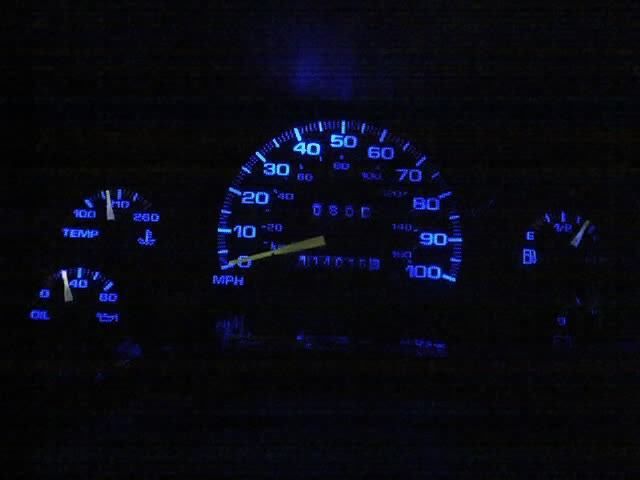 YESSSSSSSSSSSS i got it to work, I used photobuckets own link to post it up i didn't use AF's link thanx man
__________________
http://www.cardomain.com/ride/783126
|
|
#50
02-20-2006, 10:34 PM
|
||||
|
||||
|
Re: Convert Your Cluster & Control lights to LED's How-to!
No prob Im glad to have helped, its nice having the pics already in the post huh? By the way I sent you a private message about something else to keep this thread on topic.
__________________
1997 Blazer LS 4dr 180,000 miles
|
|
#51
03-04-2006, 10:05 PM
|
||||
|
||||
|
Re: Convert Your Cluster & Control lights to LED's How-to!
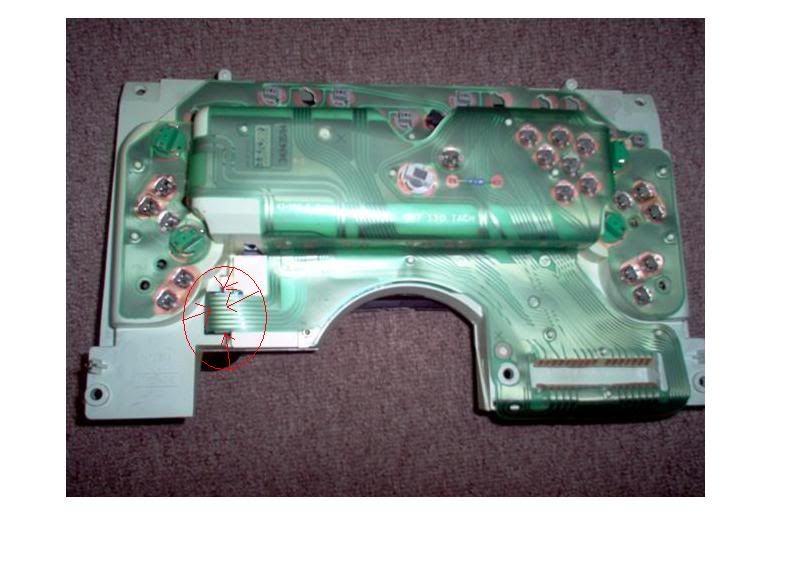
Well I finally got around to doing both the HVAC and the cluster. It looks great with the white bulbs but i would like for it to be a little brighter, does anyone know how to make it a little brighter? The dimmer switch also doesnt dim it very well, the dimmer switch just turns the lights on and off but doesnt make it brighter at all. Im thinking this might be the problem, in the pic below on the back of the cluster I circled a part that came loose, I couldn't tell if it was supposed to be hooked to something or not, does anyone know what this is or if it affects the brightness?
 Here are some crappy pics of it finished up, the lights look blue and so does my head unit, it flows together nicely. Thanks for everyone who helped out, rlith, elshockey! 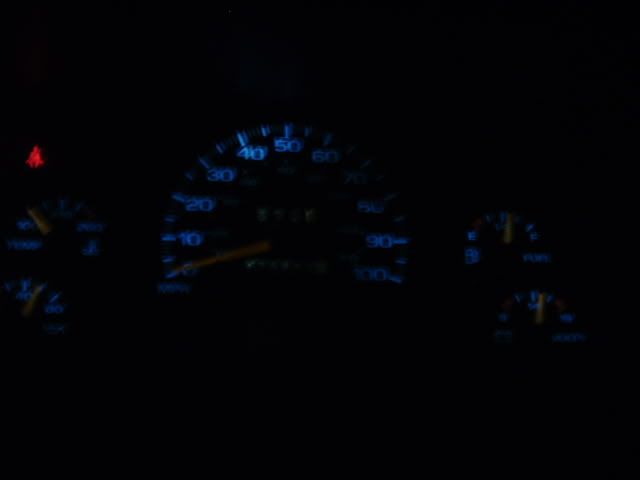 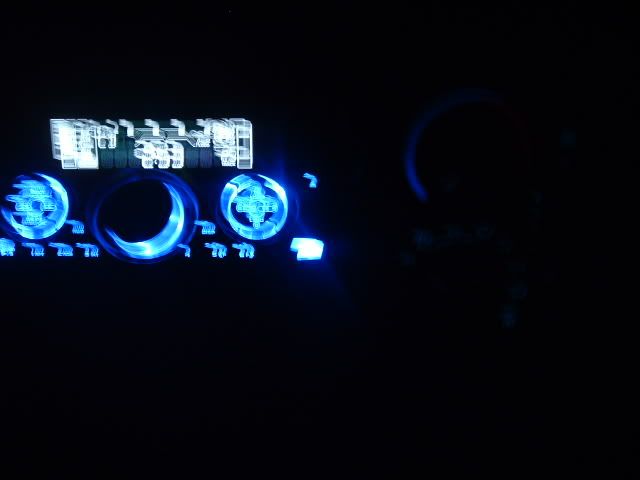 
__________________
1997 Blazer LS 4dr 180,000 miles
|
|
#52
03-05-2006, 04:49 PM
|
||||
|
||||
|
Re: Convert Your Cluster & Control lights to LED's How-to!
[quote=manwiththeplan88]Well I finally got around to doing both the HVAC and the cluster. It looks great with the white bulbs but i would like for it to be a little brighter, does anyone know how to make it a little brighter? The dimmer switch also doesnt dim it very well, the dimmer switch just turns the lights on and off but doesnt make it brighter at all. Im thinking this might be the problem, in the pic below on the back of the cluster I circled a part that came loose, I couldn't tell if it was supposed to be hooked to something or not, does anyone know what this is or if it affects the brightness?
QUOTE] Yea i just got my new cluster w/ a tach the other day and put my LEDS from my old cluster in the new one and it looks jsut as a good as before. About the dimmer. Mine does the same the lights in the hvac and the shifter controlls dim but the led in the cluster stay on or off once i turn the the dimmer switch all the way down. But i only did the cluster LED conversion. I was thinking that may because the LEDS use less energy to be lit, when u dimm the lights they still have enough power to stay lit. So i'm not sure how to fix the diming controlls. for being brighter that may just be the bulbs. Rilth used a 4 LED. I used the 1 LED wedge witch we talked about but the new bulbs that i order that will be here monday the have 5 LEDs so hopfully that will brighten my up a bit. Mine also are a lil dim i'll let you know how mine turns out aslong as the bulbs are all good i'll do it 2-morro nite And that bottom part on the back of the cluster I think thats for the gear shifter indicator. I noitced in my cluster w/o a tach it was loose and just fell out but i have a floor shifter so i didn't have an indicator in the cluster. the New cluster i got w/ a tach has the indicator in the cluster. SO that may be there for the indicator or the tach. And since u don't have ither it may just be chillin back there not being used
__________________
http://www.cardomain.com/ride/783126
|
|
#53
03-17-2006, 06:01 PM
|
||||
|
||||
|
Re: Convert Your Cluster & Control lights to LED's How-to!
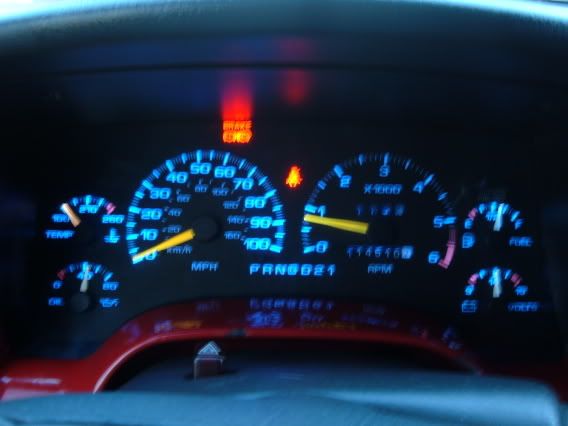 Very blury pic, Bt i got a new cluster W/ a tach ( i didn't have one before). so that was an upgrade in itself, than I order new LEDS of Ebay and put them in this cluster. and im very happy w/ my result 
__________________
http://www.cardomain.com/ride/783126
|
|
#54
03-17-2006, 06:42 PM
|
||||
|
||||
|
Re: Convert Your Cluster & Control lights to LED's How-to!
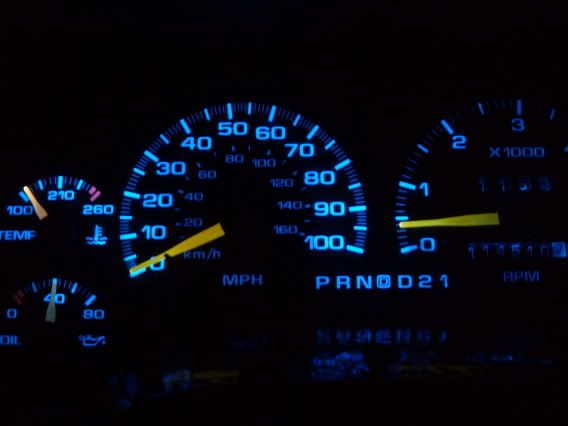
This pic is just what they look like in the car but the camera had to be very very still to take a non blurry pic so i had to rest on the stering wheel so hense the close pic.
__________________
http://www.cardomain.com/ride/783126
|
|
#55
03-17-2006, 10:02 PM
|
|||
|
|||
|
Re: Convert Your Cluster & Control lights to LED's How-to!
Quote:
|
|
#56
03-18-2006, 01:15 AM
|
||||
|
||||
|
Re: Convert Your Cluster & Control lights to LED's How-to!
Quote:
__________________
http://www.cardomain.com/ride/783126
|
|
#57
03-26-2006, 02:39 PM
|
|||
|
|||
|
Re: Convert Your Cluster & Control lights to LED's How-to!
I put 194s in my 98 about a year ago and I also noticed that it is a little dimmer around the 3 on the tach. Has anyone changed the lights on the HVAC for a 98 Blazer with automatic climate control? Any help on how to change them would be greatly appreciated.
__________________
1998 Blazer LT 4x4 W engine Pioneer DEH-P7500/2 Crossfire BMF 10s BFG All-Terrains 1997 Ford Contour MTX Duratec 2.5 Pioneer CD/2 Crossfire DB3 12s
|
|
#58
11-07-2006, 01:24 PM
|
|||
|
|||
 Re: Convert Your Cluster & Control lights to LED's How-to!
I may have ordered the wrong bulbs...DOH!! The post read to order "T1" bulbs which apparently only come in 3mm.
RL3-W3030 - White Qty 10 RL3-B2030 - Blue Qty 10 RL3-R5030 - Red Qty 10 I have some other things (non auto related) that I want to tinker with so I bought extra. I'll have to search for the 194. Are these them? http://www.superbrightleds.com/mini-wedge.html under Single Wedge Base Bulbs?? Also, I want to replace all four of the map lights, which bulb(s) would go for that application? Would like to do them in Blue or Red. Maybe even the overhead main interior light and rear hatch light as well...suggestions on those? Bascially where ever there is an interior light, I want to change to the LED. Thanks in advance for the help.
|
|
#59
01-16-2007, 10:18 AM
|
|||
|
|||
|
Re: Convert Your Cluster & Control lights to LED's How-to!
that looks like alot of work...i have a 96 would it be the same except my car shifts on the column?
|
|
|
POST REPLY TO THIS THREAD |
 |
|
|








