I posted this guide to adding photos into threads yesterday.It may be some help to you.The AF gallery never seems to work.You are best to use Photobucket.Follow this guide and you shouldn't have any problems.
To upload photos of your work go to
www.photobucket.com and open an account it's free.Once your account is open go to the photobucket homepage and click the album tab.

On the album page you will see a box in the top right corner where you upload your pictures.It looks like this.
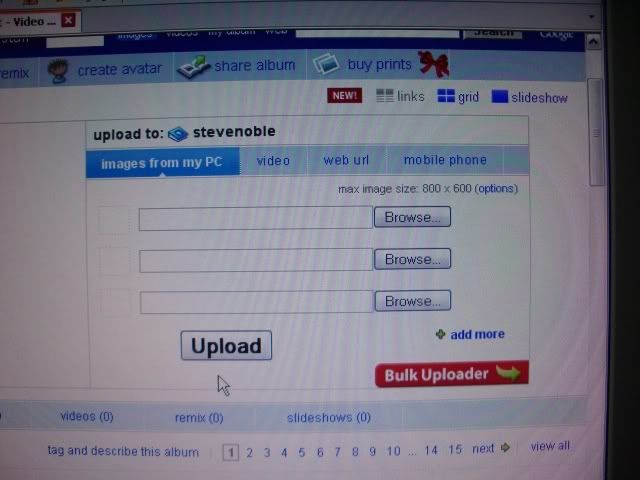
You will see browse buttons on this page.Click each one and you can select the picture you want to upload from your computer.Do this on each browse button for each picture you want to upload.
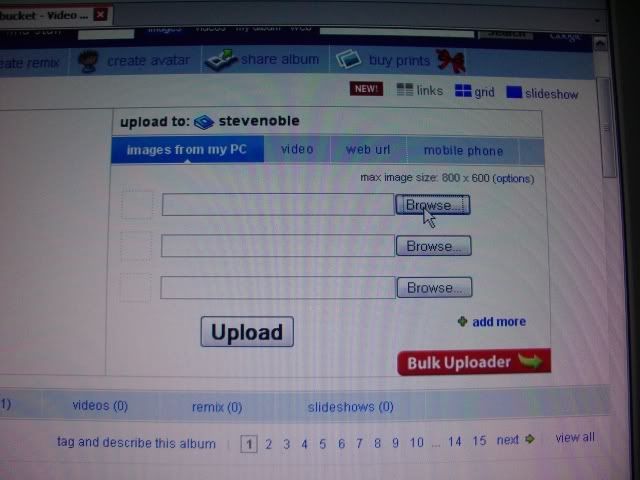
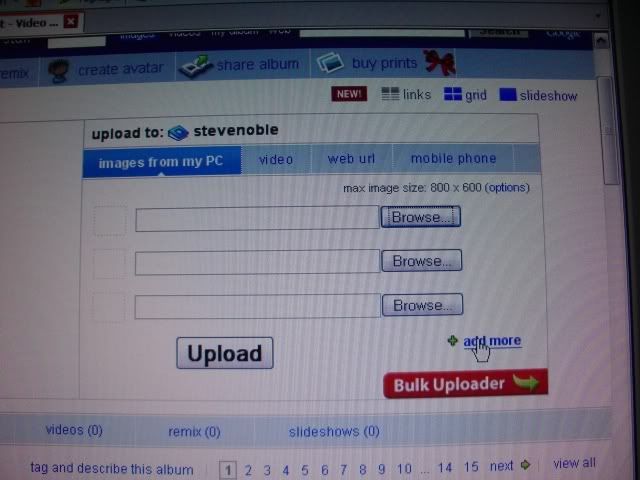
You start with 3 browse buttons (3 pictures) If you want to upload more pictures click the 'Add More' button and more browse buttons will appear.
Once you have added your photos you should see them in a list with green ticks on the left side like this
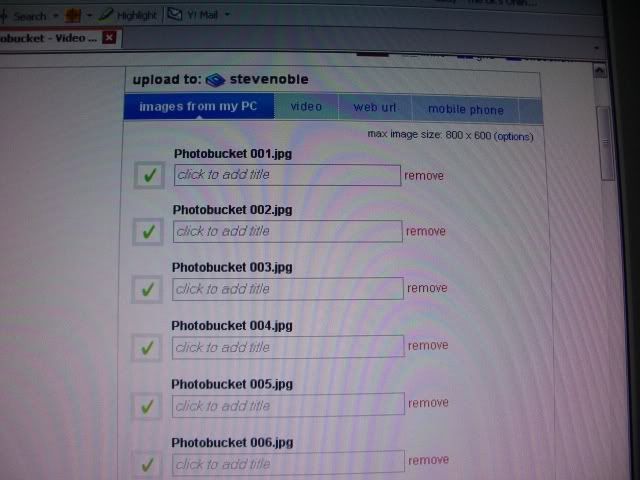
When you have all your photos you want to upload click the upload button and wait for them to upload.
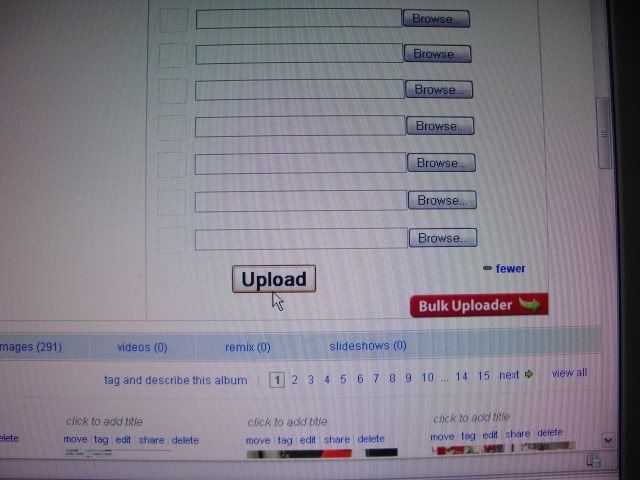
Once they have uploaded you will see them on your album page in thumbnail format like this.
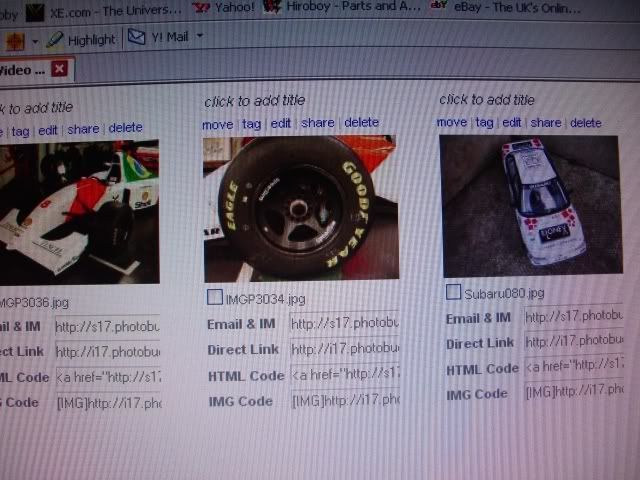
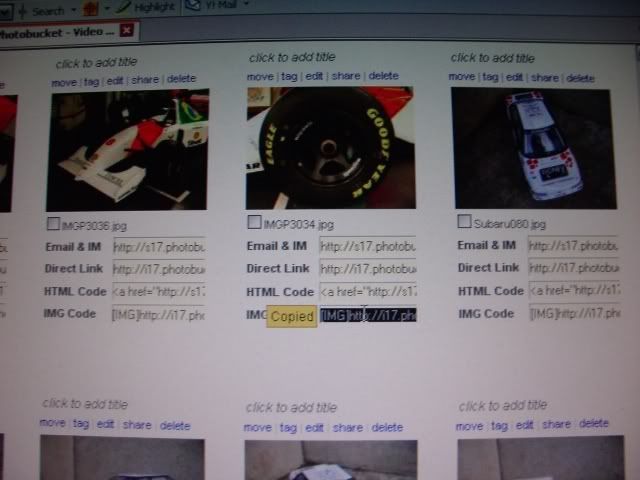
Select a picture you want to use and left click the bottom link under the picture 'Copied' will appear and it goes yellow and black like this
Now go to the forum page and open your thread.Then where you want the picture to appear in the thread simply paste it.Right click where you want it and hit paste.The Photobucket link will appear in the thread, just like below.
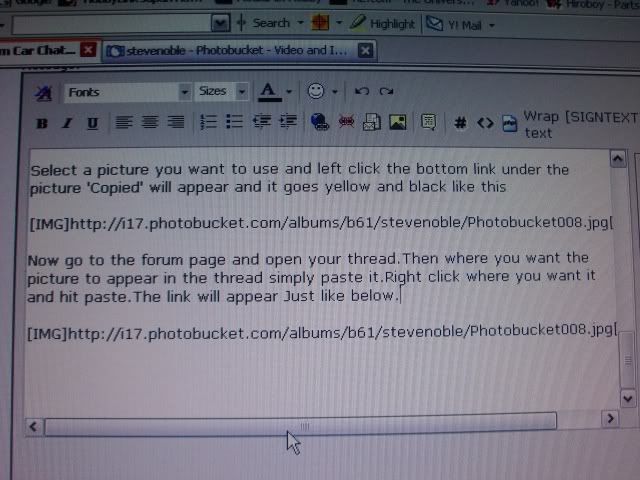
Repeat this as many times as necessary adding your pictures where you want them in your thread.It helps to have Automotive Forums and Photobucket both open at the same time on different tabs and then you can easily switch between one and the other to do the pasting of the photo links.Once you post your thread the Photobucket links will turn into pictures within the thread.
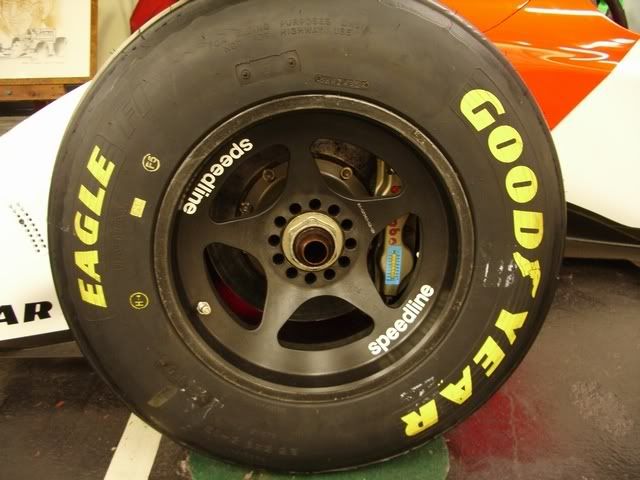
Here is the picture I copied and pasted earlier the McLaren wheel
Hope this helps.Sounds a bit complicated but once you've done it a few times it's easy.
Best regards,
Steve Noble