To add pictures to your post you must upload them first.
Go to
http://www.automotiveforums.com/upload
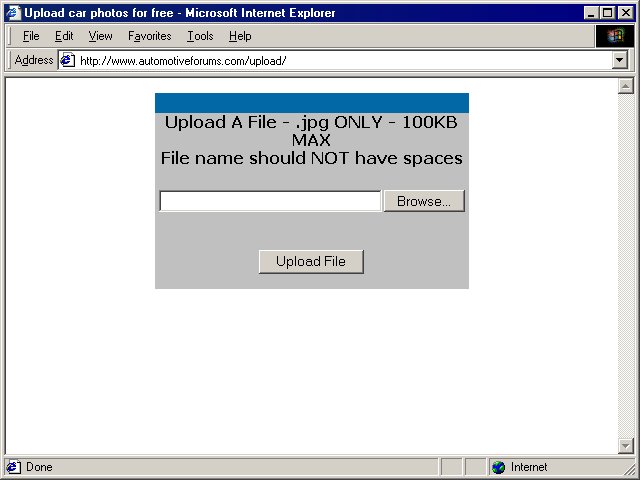
Click on Browse and find the .jpg picture you wish to upload.
When finished, click on Upload File
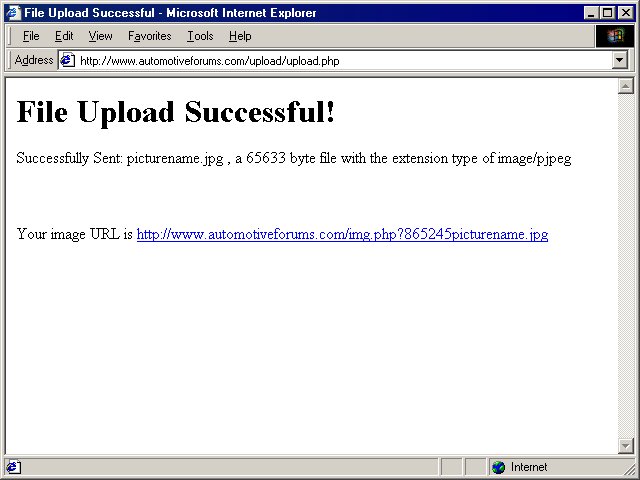
Then you will be given an address to the picture.
It will have the following format:
http://files.automotiveforums.com/uploads/######picturename.jpg
Copy the
entire link.
This includes the http:// all the way through to .jpg
You can now see the picture if you like by clicking on the link.
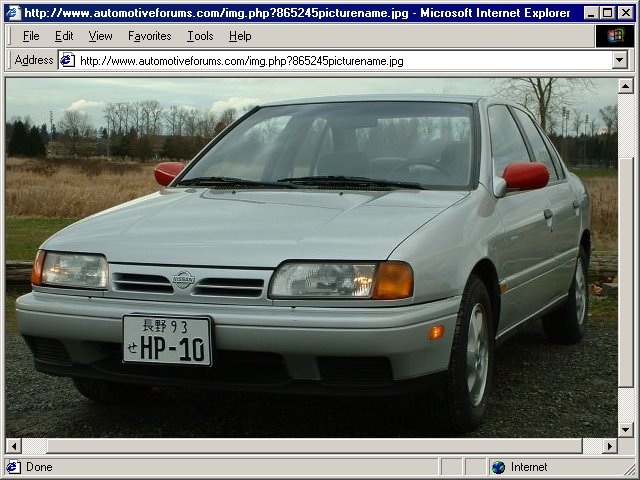
Okay, now the picture is on the internet.
Go to the forum you wish to post the picture.
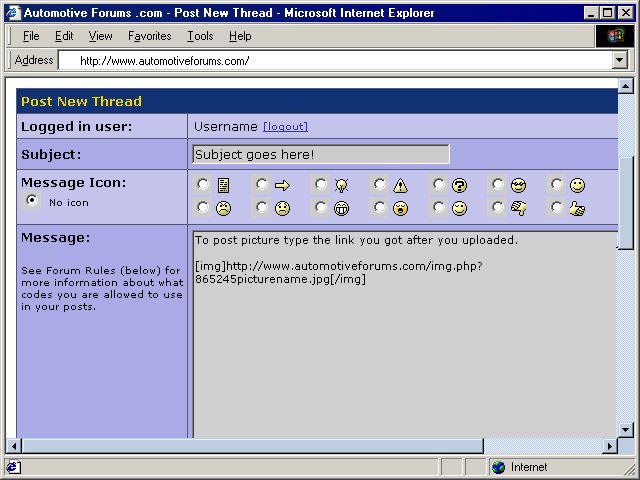
Make sure there are no spaces or breaks in it. It may split to wrap to the next line but that is okay as long as there are no spaces and it does it itself.
Happy Posting...
